
Everything you own is one passcode away.
Your bank. Your email. Your passwords. Your crypto. On a normal phone, a passcode is all that stands in the way. The Privacy Phone makes sure it's the only way in: guess it, switch it off or plug it in, and it gives up nothing.
- Wrong guesses erase it, not unlock it
- Switched off or offline? It erases
- Plugged into a computer? Nothing to copy
- No Google tracking. Set up in the UK
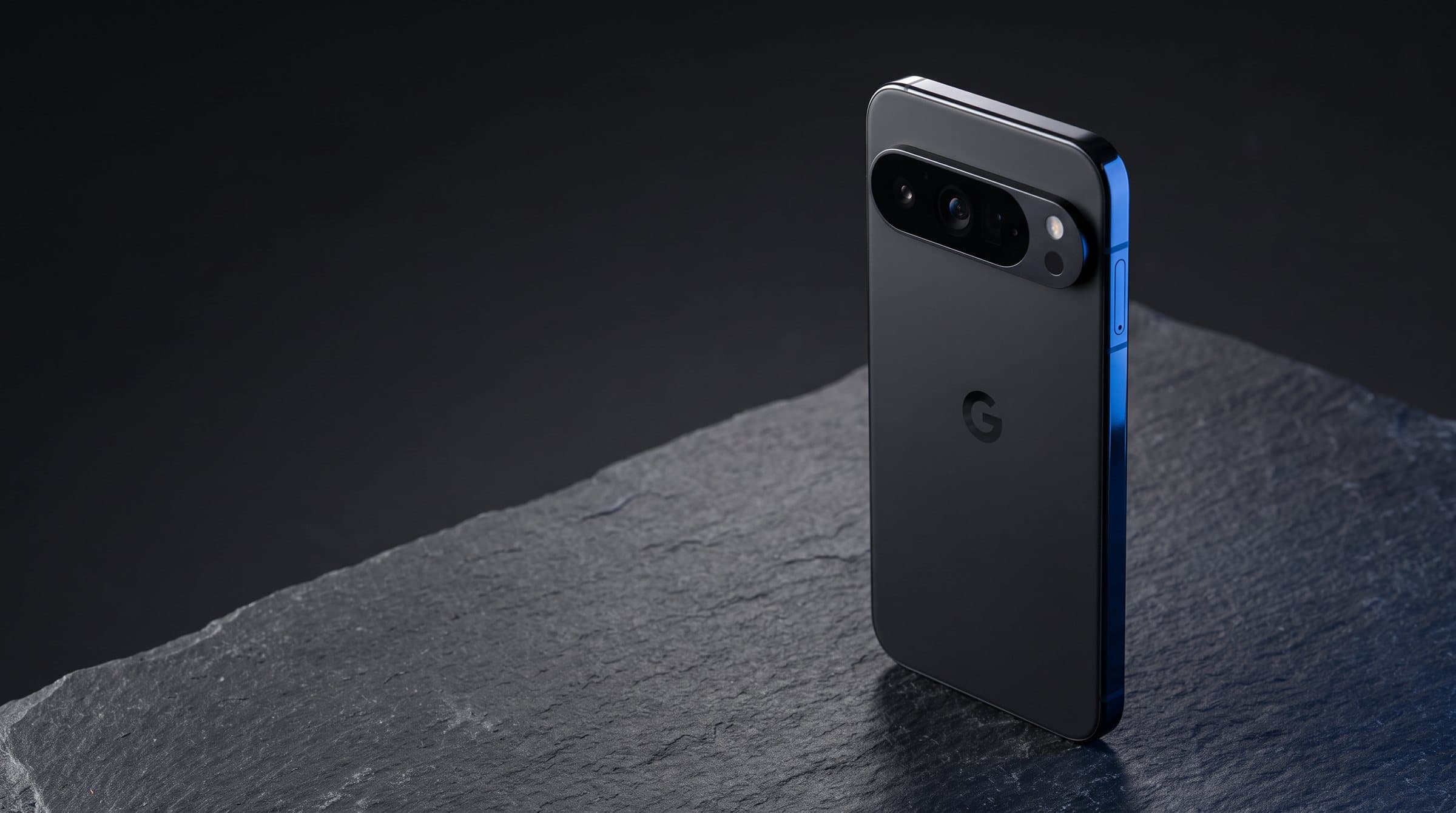
What would someone find on your phone right now?
Most people would be shocked at how much one unlocked phone gives away, and how fast it happens.
Your banking apps
Logged in, often with the same passcode as the phone. Transfers take seconds.
Your email
The master key. Whoever has your inbox can reset the password to almost everything else you own.
Passwords in your notes
That list you keep "just in case". Most people have one, and it's the first place anyone looks.
Screenshots and photos
Your passport, your driving licence, your bank card, a password reset code. All sitting in your camera roll.
Crypto wallets
A seed phrase in your notes or a screenshot is the whole wallet. There's no fraud team and no refund.
Work and clients
Emails, files and customer details. Lose them and it can be a data breach you have to report.
117,211
phones stolen in London in 2024
Under 1%
of phone thefts lead to anyone being charged
£641,000
reported lost to phone-theft fraud in just three months
Sources: Metropolitan Police; Action Fraud, December 2024 to February 2025.
Your passcode is the only way in. Every other way ends the same.
A normal phone locks and hopes. The Privacy Phone decides what happens next. Every trick a thief relies on to get past a lock screen ends with the phone erasing itself, so there's nothing left to get into.
Protect yours
Try the passcode
They guess
A few wrong passcodes and it erases itself. You choose how many.
Switch it off
They cut it off
Switched off or kept offline to stop you wiping it? It erases anyway.
Plug it into a computer
They plug it in
The port only charges. There's no data to copy off it.
Wherever you are
You end it
Send a message you set from any phone and it erases itself.
And the things that make it different from anything in your pocket today.
Forced to unlock it?
Enter an emergency PIN instead of your real one and the phone erases everything on the spot.
Keeping it won't help
Every 4 hours it restarts into its most locked-down state, with everything fully encrypted again.
Lost and never found
If it isn't unlocked within the time you choose, it erases itself, so a lost phone can't be opened later.
A login nobody sees
Unlock through something that doesn't look like a lock screen, such as a calculator, so a watched passcode isn't enough.
No Google watching
No Google account, no ad profile, and you decide what every app can see. Your phone works for you, not for the people buying your data.
Locks when grabbed
If it's snatched from your hand, the screen locks instantly.
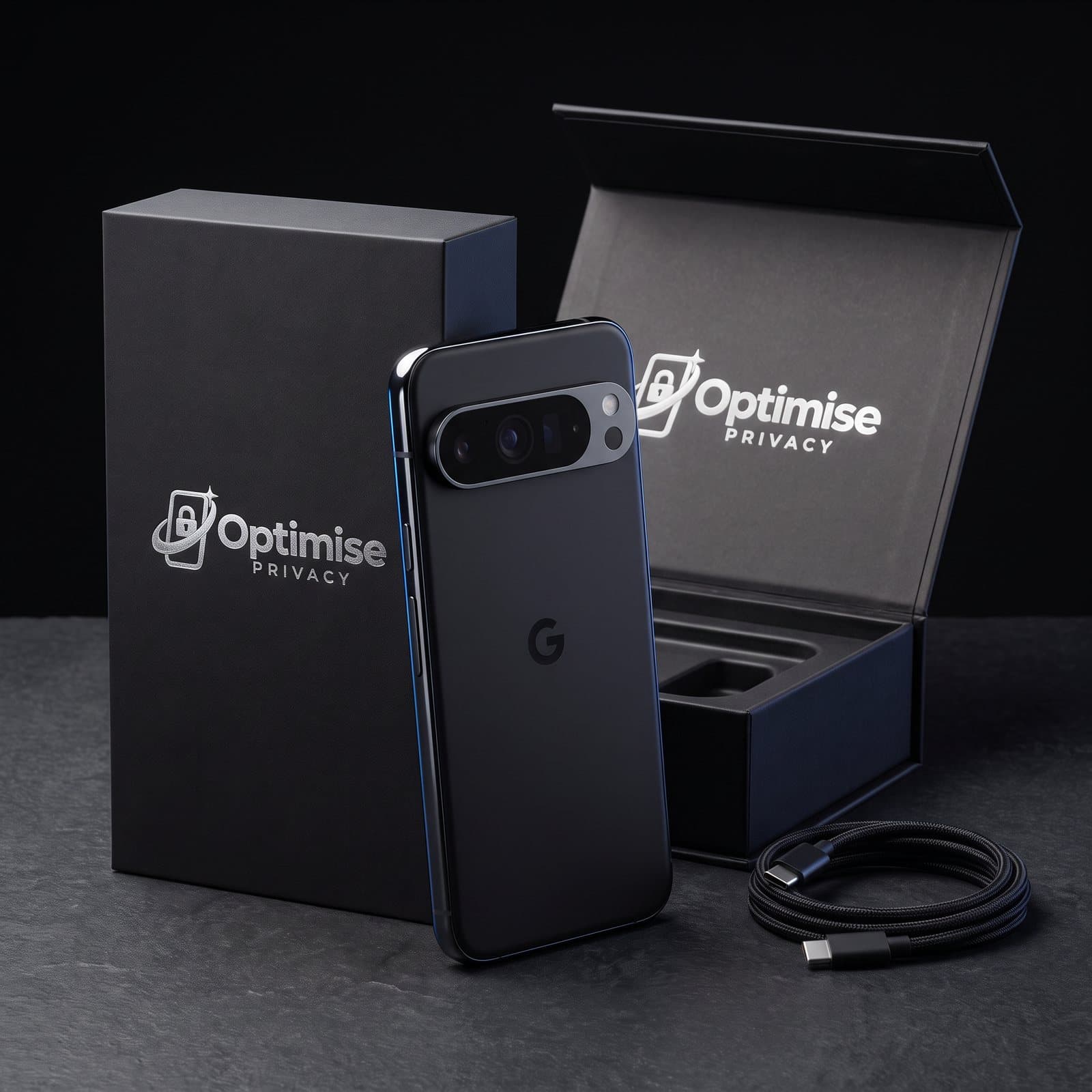
Choose your Privacy Phone
Like New Pixel, Optimise Shield set up to your choices, your bank apps checked, a walkthrough and a 12-month warranty.
Phone
Storage
eSIM, VPN & Threema bundle
A private data-only eSIM that works in the UK and Europe, 6 months of Mullvad VPN and a Threema licence, all set up before the phone reaches you.
Like New · 12-month warranty · configured by us
Ask a question on WhatsAppWe've seen what happens after a phone is stolen. Too many times.
Every month, people come to us after their phone has been stolen. The phone is never the real loss. It's the bank transfers they didn't make, the email account they're locked out of, the photos they'll never get back, the business contacts and client files that are suddenly in someone else's hands.
And it's getting worse. Cybersecurity risks are becoming more complex and more common every year, while the phone in most people's pocket still relies on one passcode to protect everything.
We built the Privacy Phone so our customers never have to have that conversation with us again.
Your phone is your vault. Most vaults have one lock.
Wallet apps, exchange logins, two-factor codes, and very often the seed phrase itself, saved in a note or a screenshot. Whoever gets into the phone gets the lot. And unlike your bank, nobody can reverse a crypto transfer.
- Wallets kept in a separate, locked profile
- Guessing, switching off or plugging in erases it
- No Google account or cloud backup quietly holding copies
- We'll help you move wallets over safely, and keep your seed phrase offline
If you'd panic when your phone goes missing, it's for you.

Your personal life
Your bank, your family photos, your messages, your passwords. The things you'd lose sleep over if a stranger had them.
Your business
Client files, invoices, customer details and work email. A missing phone shouldn't become a data breach you have to report.
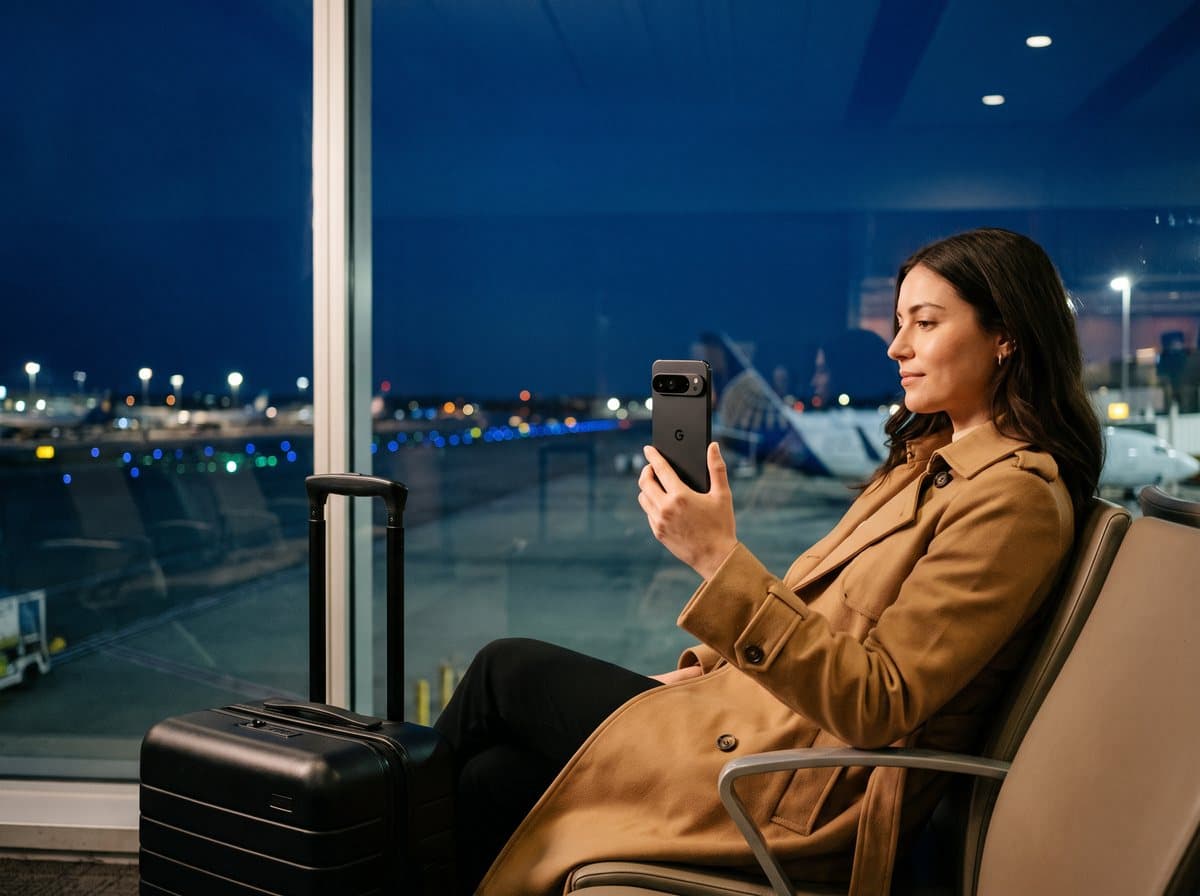
Wherever you go
Stations, nights out, airports, abroad. The places phones get taken are the places it matters most.
Your phone locks. Then what?
iPhones and standard Pixels have good locks. Here's what each one does once a thief starts trying to get past it.
| iPhone | Standard Pixel | GrapheneOS only | Privacy Phone | |
|---|---|---|---|---|
| Erases after wrong passcode guesses | ||||
| Erases if switched off or kept offline | ||||
| Erases on a message from another phone | ||||
| Charging port can't be used to copy data | ||||
| Emergency PIN that erases it | ||||
| Hidden login | ||||
| No Google or Apple account tracking | ||||
| Locks when snatched | ||||
| Set up, bank-tested and supported for you |
iPhone erases after 10 failed attempts only if you turn it on; Stolen Device Protection adds a delay to sensitive changes. Standard Pixels lock on a snatch with Theft Detection Lock.
What's it worth to never have that phone call?
One drained account, one hijacked inbox or one lost wallet costs more than this phone. Here are your other options.
From around £500
A phone with GrapheneOS only
A strong, private system, but nothing that erases the phone when someone guesses, switches it off or forces it open. That's Optimise Shield.
Phone + security licence
Do it yourself
Possible if you're technical: flash the system, buy a security licence and install it. No setup warranty, and no one to call if it goes wrong.
Plus 20% import VAT
Import one from abroad
Similar setups sell overseas for around £1,150, before 20% import VAT and courier fees on arrival, with support in another time zone.
The Privacy Phone: from £1,199, everything included
A Like New Pixel Pro, Optimise Shield, setup to your choices, bank apps checked, a walkthrough, UK delivery and a 12-month UK warranty. No import VAT, no surprises, and a real person on WhatsApp.
Secure doesn't mean difficult.
It arrives with the apps you use already set up. We message you before we configure it, so it's ready the day it arrives.
Most UK banking apps work, including Monzo, Starling, Revolut, Lloyds, NatWest and Nationwide; Barclays, HSBC and Santander need a setting changed. Google Wallet tap-to-pay doesn't work; Curve Pay is the usual alternative. Tell us your bank and we'll check it before we send the phone.
Exactly what we do
- Test and grade a Google Pixel 9 Pro or 10 Pro as Like New
- Install GrapheneOS from its official installer and relock the bootloader
- Install Optimise Shield with the triggers and timings you chose
- Set up your apps, check your bank apps and set up contactless if you want it
- Walk you through every protection, including how to pause it when you travel
What we never do
- See, record or keep your passcode or emergency PINs. You set them yourself
- Keep any way to access, track or erase your phone. Only you can
- Run servers your phone reports to
- Claim to be GrapheneOS. It's an independent open-source project that doesn't endorse sellers, us included
Want to check our work? You can verify the system with GrapheneOS's own tools, or reset and reinstall it yourself at any time.
The full protection list
For anyone who wants the detail. Built on GrapheneOS, a security-hardened, open-source version of Android, with Optimise Shield on top.
Failed-attempt erase
Erases after the number of wrong passcodes you set.
Network-loss timer
Erases if it's kept offline for the period you choose.
Remote erase
Erases on receiving a message you set.
USB data disabled
The port charges only; data transfer and signalling are switched off.
Emergency PINs and quick erase
Extra PINs, or a fast press of the power button, that erase the phone.
Inactivity timer
Erases if it isn't unlocked within the period you choose.
Memory cleared every 4 hours
Auto-restart returns data to its fully encrypted, at-rest state.
Discreet login
Unlock through a disguised method, such as a calculator code.
Hardened system
Safe mode and developer mode disabled, so the protections can't be bypassed.
VPN kill switch
No traffic leaves the phone outside the VPN.
Tamper monitoring
Restarts on abnormal temperature or voltage, a sign of hardware attack.
Anti-snatch lock
Locks immediately if the phone is grabbed or dropped.
How it works
Order
Pick your Pixel and storage, add the eSIM bundle if you want it, and pay by card.
Tell us your settings
We message you about your apps, your bank, and how strict you want each trigger.
We set it up
Installed, configured and tested by us in the UK, with Optimise Shield set to your choices.
Ready to use
Delivered insured, with a walkthrough of every protection.
Guides
Questions people ask
Is it a normal phone?
Yes. It's a Google Pixel: calls, camera, maps, WhatsApp, your bank and your other apps all work. What's different is the software underneath, which is built for security and privacy, and the protection we set up on top.
What is Optimise Shield?
Optimise Shield is the security setup we install on every Privacy Phone. It adds what no normal phone has: it erases itself after wrong passcode guesses, if it's kept switched off or offline, if it isn't unlocked for a set time, or when you send it a message from another phone. It blocks data being copied through the charging port, and gives you emergency PINs that erase it if you're forced to unlock it. You choose every setting before we set it up.
I've got nothing to hide. Why would I need this?
Then you've got nothing to lose by not sharing it. This isn't about secrets. It's about your bank account, your email, your passwords and your photos staying yours. On a normal phone, one passcode is all that stands between a stranger and all of it.
I keep my crypto seed phrase in my notes or as a screenshot. Is that a problem?
On a normal phone, yes: anyone who gets into the phone gets the wallet, and crypto can't be clawed back. The safest place for a seed phrase is offline, on paper or metal. If you keep wallets on your phone, the Privacy Phone keeps them in a separate locked profile, and anyone who guesses, switches off or plugs in the phone gets nothing. We'll help you move things over safely.
Other sites sell phones with GrapheneOS for around £500. What's the difference?
Those phones run GrapheneOS on its own. It's a strong system, but it doesn't erase itself after wrong guesses, when it's kept offline, or on a message from another phone. That's what Optimise Shield adds, along with setup, bank testing and UK support.
Can't I install GrapheneOS myself?
Yes, for free, using the official installer at grapheneos.org, and if you're technical we'd encourage it. What you pay us for is Optimise Shield, a Like New phone, the setup done and tested for you, your bank apps checked, a walkthrough and a 12-month warranty.
What software does it run?
GrapheneOS, an open-source, security-hardened version of Android that only runs on Google Pixels. It has no Google services built in, so nothing reports back to Google by default; you can add Google Play in a sandbox if an app needs it. GrapheneOS is an independent project and doesn't endorse anyone who sells phones. We install it from its official installer and add our security setup on top.
Will my apps and banking work?
WhatsApp, Telegram, email, maps, music and most everyday apps work normally. Most UK banking apps work too; a few need a setting changed, and Google Wallet tap-to-pay doesn't work (Curve Pay is the usual alternative). Tell us your bank before you order and we'll check it.
What if it erases by accident?
Every trigger is set to your choice, and we walk you through them when the phone arrives, including how to pause them when you travel. Keep backups of anything you can't lose, because an erase can't be undone. That's the point of it.
Is it suitable for my business?
Yes. A lost phone with client or customer data on it can be a personal-data breach you have to report. The Privacy Phone keeps that data locked down if a phone goes missing, and we can set up several phones for a team. Automatic erasing can affect record-keeping duties in some regulated jobs, so check your own regulator's rules.
Pixel 9 Pro or Pixel 10 Pro?
Both get the same protection and years of security updates. The 9 Pro is the better value. The 10 Pro has the newer chip and camera, and will be supported for longer.
What's the warranty, and can I return it?
12 months on the phone and the setup. If a hardware fault appears, or the setup stops working as it should, we fix it. Accidental and liquid damage aren't covered, and an erase you trigger yourself isn't a fault. You can also return it within 14 days of delivery, as with anything bought online.
Who is it for?
Anyone with something on their phone they couldn't afford to lose: a bank account, a business, crypto, family photos. We don't supply phones for criminal use, and we may decline an order.
Don't wait until it's gone.
Nobody plans to have their phone stolen. From £1,199, with Optimise Shield, set up by us and covered for 12 months.
Choose your Privacy PhoneGrapheneOS is an independent open-source project and is not affiliated with, and does not endorse, Optimise Privacy or Optimise Marketplace. Google and Pixel are trademarks of Google LLC. Protections work as described when Optimise Shield is set up as recommended. Professionals: automatic erasing can affect record-keeping duties, so check your own regulator's rules.