
Lost a work phone? When it counts as a data breach under UK GDPR
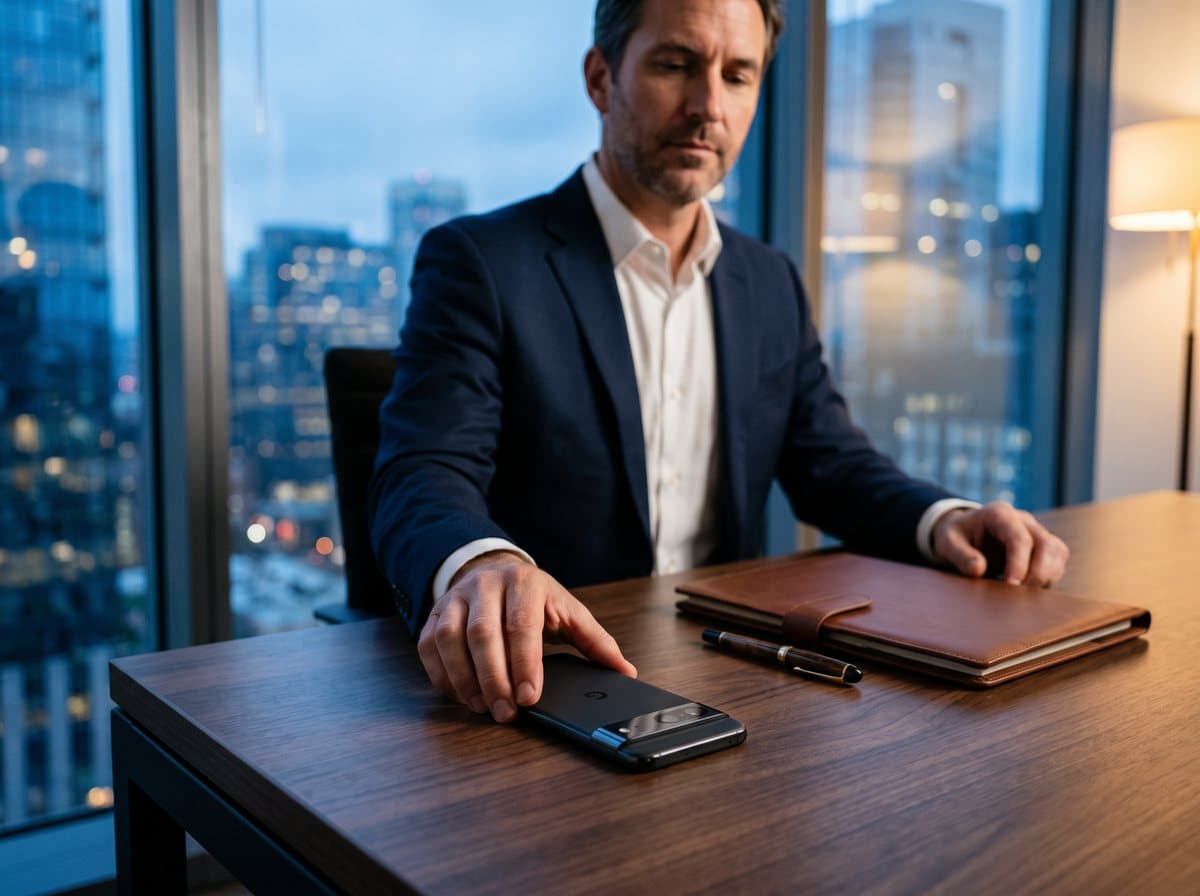
A lost or stolen work phone is a personal-data breach under UK GDPR if it held personal data, such as client contacts, emails or files, and someone could get at it. You must report it to the ICO within 72 hours of becoming aware if it is likely to put people's rights at risk. If the phone was encrypted with a strong passcode and wiped remotely, the risk may be low enough that you only need to record it internally.
Is a lost phone a data breach?
Under UK GDPR, a personal-data breach is any security incident that leads to personal data being lost, destroyed, altered, or accessed or disclosed without permission. Losing a device that holds personal data counts, even if nobody ever looks at it.
That covers more than most people expect. A phone with work email, a client's WhatsApp messages, photos of documents or a contacts list all hold personal data. It applies to sole traders and small firms as much as large companies.
Do I have to report a lost phone to the ICO?
Only if the breach is likely to result in a risk to people's rights and freedoms. You have 72 hours from becoming aware of it to report to the Information Commissioner's Office. If you do not have all the details by then, report what you know and follow up.
If the risk to individuals is high, for example health records or financial details that could be used for fraud, you must usually tell the people affected as well, without undue delay. Whether or not you report it, you must keep an internal record of every breach and what you decided.
| Situation | Likely risk | Report to ICO? |
|---|---|---|
| Encrypted, strong passcode, wiped remotely before access | Low | Usually record internally only |
| Encrypted, but passcode may have been seen | Possible | Assess carefully; likely report |
| No passcode or weak passcode, client data on device | Likely | Yes, within 72 hours |
| Sensitive data (health, financial, children) | High | Yes, and tell affected people |
What to do when a work phone is lost or stolen
Act on the phone and the accounts first, then deal with the paperwork. Our stolen phone checklist covers the personal side in detail.
- 1Lock or erase the phone remotelyUse Find My, Find Hub or your device management system. Record the time you did it.
- 2Secure the accountsChange passwords for work email and any business systems, and sign out all other sessions. Revoke the device's access in Microsoft 365 or Google Workspace if you use them.
- 3Work out what was on itList the types of personal data and roughly how many people are involved. Note whether the phone was encrypted and how strong the passcode was.
- 4Assess the risk and decideIf people's rights are likely to be at risk, report to the ICO within 72 hours. If the risk is high, tell the people affected.
- 5Record itLog the breach, the facts, the decision and the reasons, even if you decide not to report.
- 6Report the theftReport to the police online or on 101, and to the network to block the SIM and IMEI.
How to reduce the risk from work phones
The best outcome is a lost phone that leads to a short internal record rather than a report. That comes down to preparation.
- Require a strong passcode on every phone that touches work data. Modern iPhones and Android phones encrypt by default once a passcode is set.
- Make sure every phone can be wiped remotely, and test that it works.
- Use mobile device management (MDM) if you have more than a handful of staff, so you can enforce settings and remove access centrally.
- Keep client data in managed systems, not in personal notes, photos or chat apps.
- Turn on the theft features in iOS and Android (see our guide to stopping thieves getting into your phone).
- Write a one-page procedure so staff know whom to tell, and how fast.
Where a hardened phone fits
For professionals who carry sensitive client data on one phone, such as consultants, agents or business owners, a remote wipe has a weakness: it only works if the phone connects to the internet. A thief who keeps it switched off avoids it.
The Privacy Phone closes that gap. It is a Google Pixel running GrapheneOS with Optimise Shield, configured by us in the UK, which erases the phone if it is kept offline or switched off for a set time, after a chosen number of wrong passcodes, or if it is not unlocked within a period you choose. It restarts every 4 hours back to its fully encrypted state, and its USB port can be set to charging only, so data cannot be pulled off through a cable. We never see your PINs and keep no remote access.
That can turn a lost phone from a likely reportable breach into a low-risk one, though you still need to assess and record every incident. See the full feature list for detail.
Ready when you are
Guess it, switch it off or plug it in: it gives up nothing · set up in the UK · 12-month warranty
See the Privacy PhoneFrequently asked
Is losing a work phone a data breach?+
Yes, if it held personal data such as client emails, contacts or files. Under UK GDPR, losing a device containing personal data is a personal-data breach even if nobody accesses it.
Do I need to report a lost phone to the ICO?+
Only if the breach is likely to put people's rights and freedoms at risk. If so, you must report it within 72 hours of becoming aware, and you must record every breach internally either way.
Does encryption mean I don't have to report a lost phone?+
Not automatically, but it can reduce the risk enough that reporting is not required. A strong passcode, encryption and a prompt remote wipe all count in your assessment.
Should I tell clients if I lose a phone with their data?+
If the breach is likely to result in a high risk to them, UK GDPR requires you to tell them without undue delay. For lower risks it is not required, but record your reasoning.